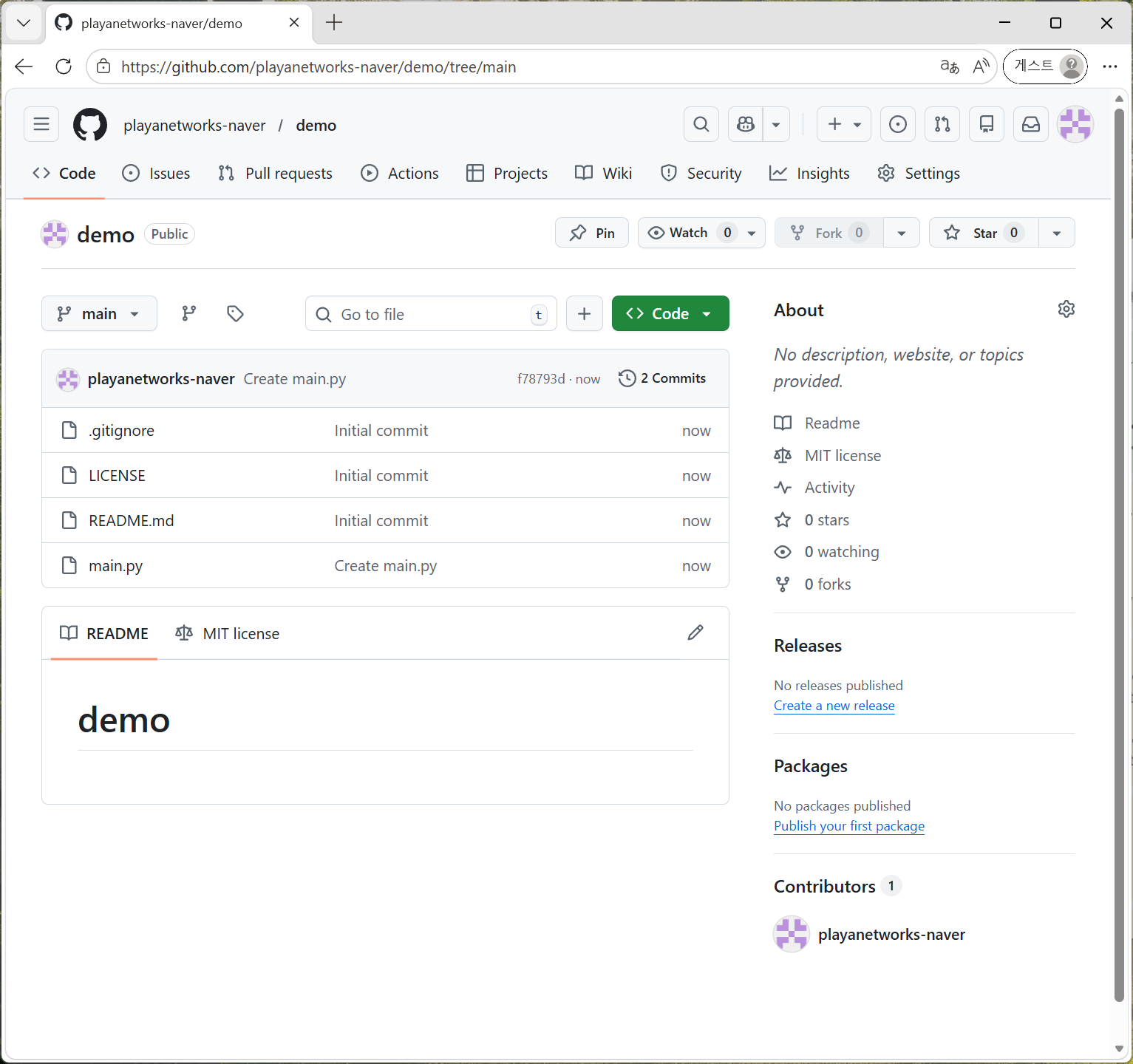
GitHub.com 계정 생성
I am a software engineer working at LG CNS. I mainly use the AWS cloud, and I am interested very in functional programming.
https://github.com/ 브라우저로 접속
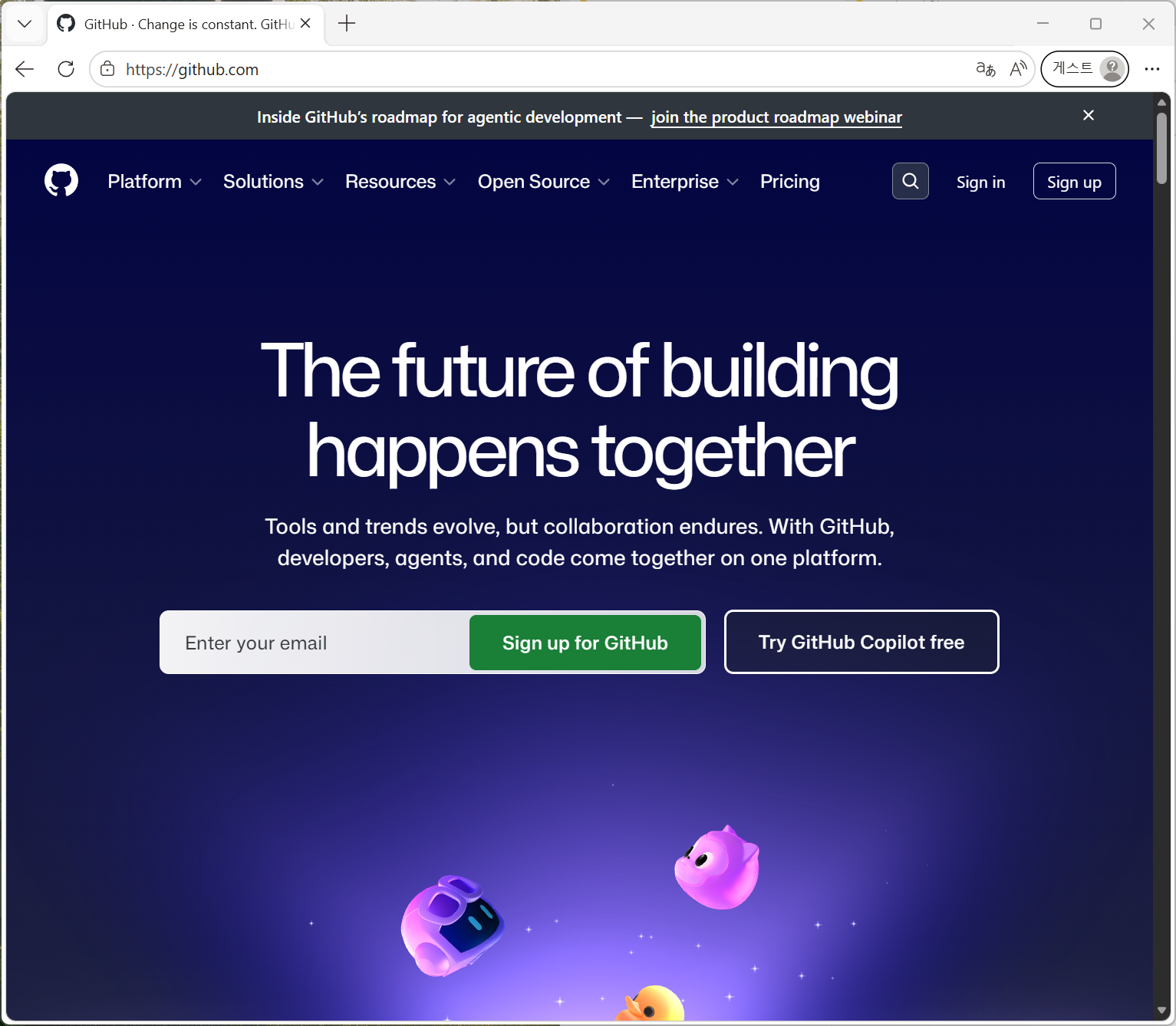
"Sign up" 버튼 클릭해서 계정 생성 화면으로 이동
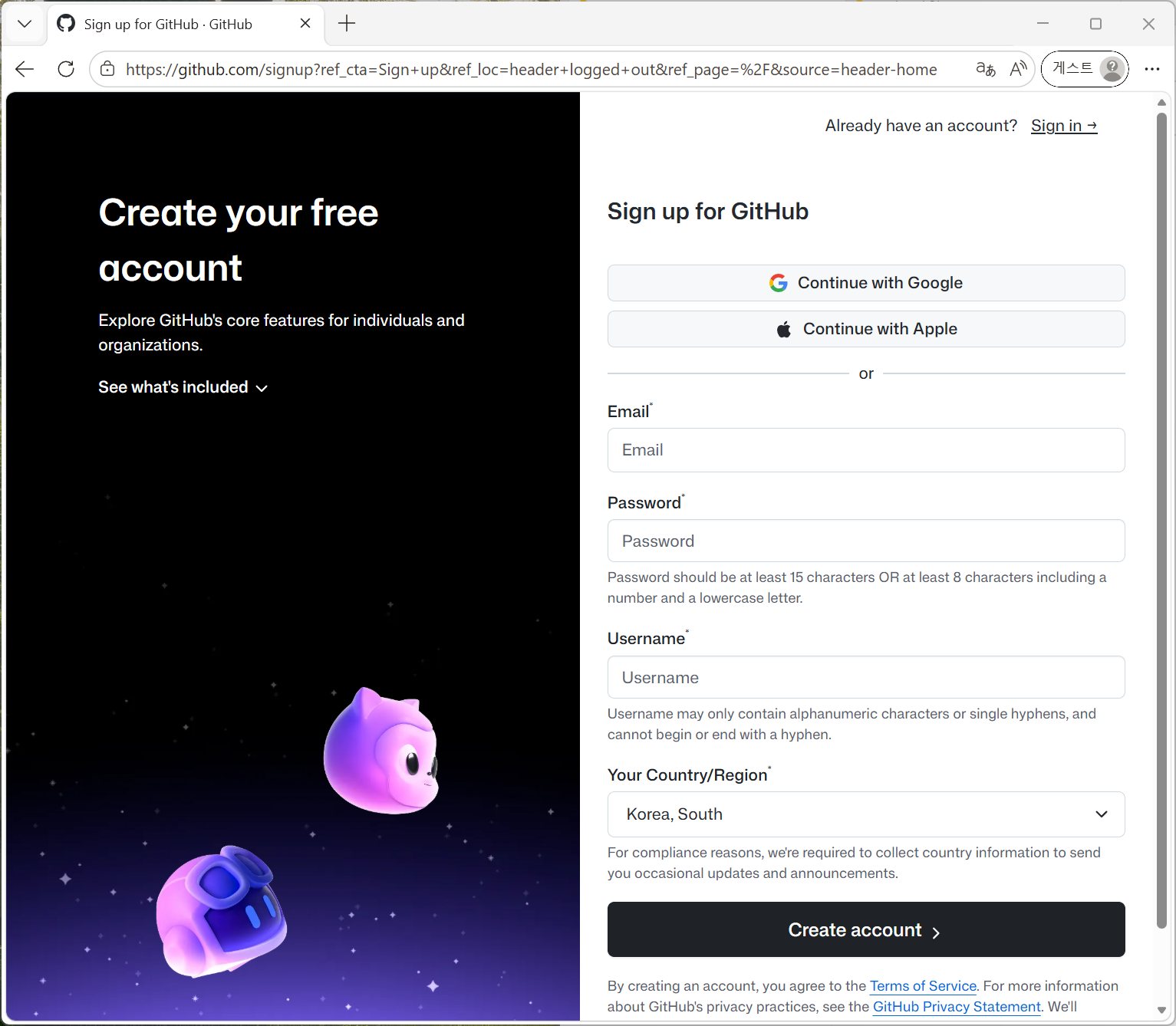
Google, Apple, 또는 이메일을 직접 입력해서 계정 생성 진행
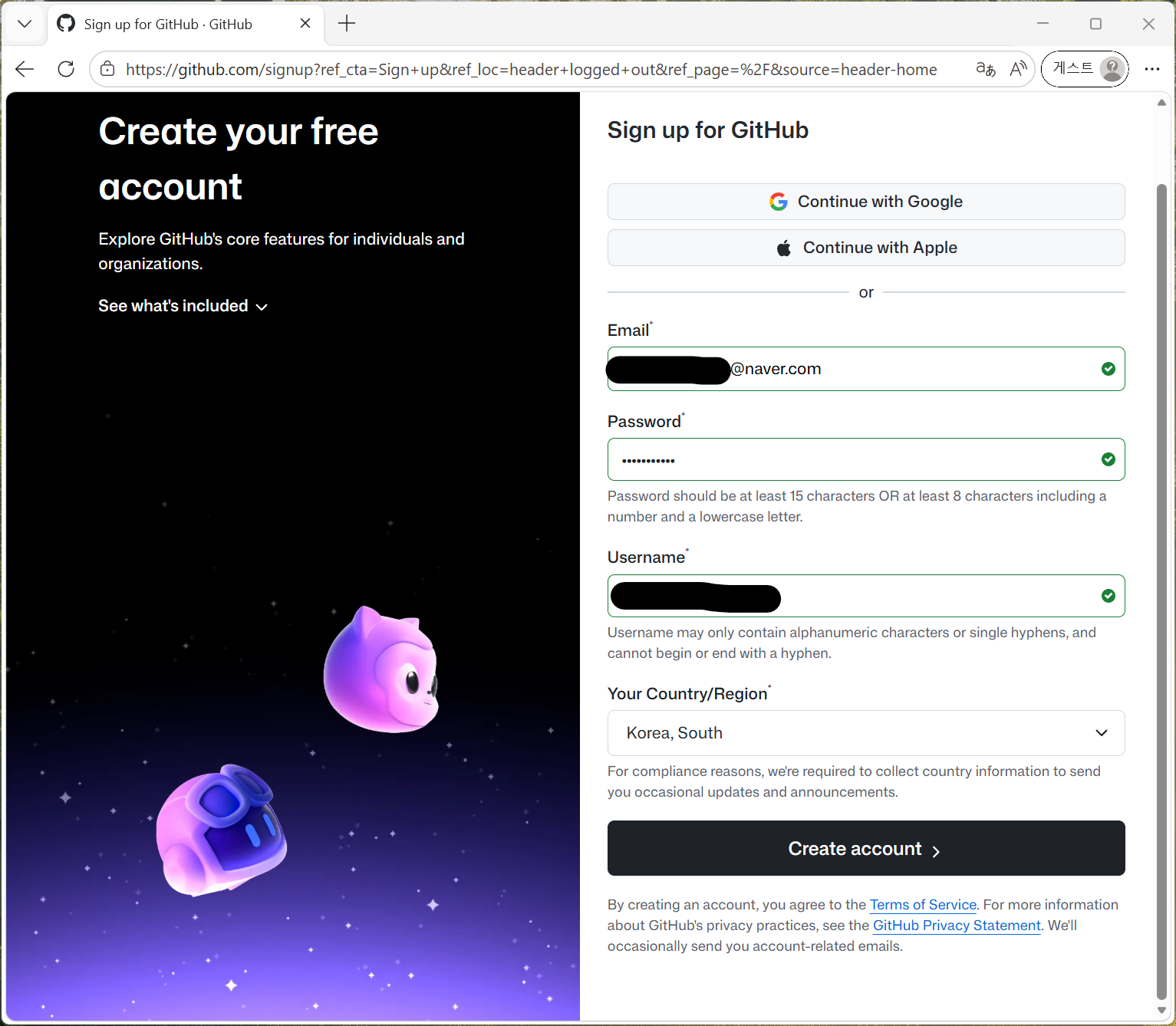
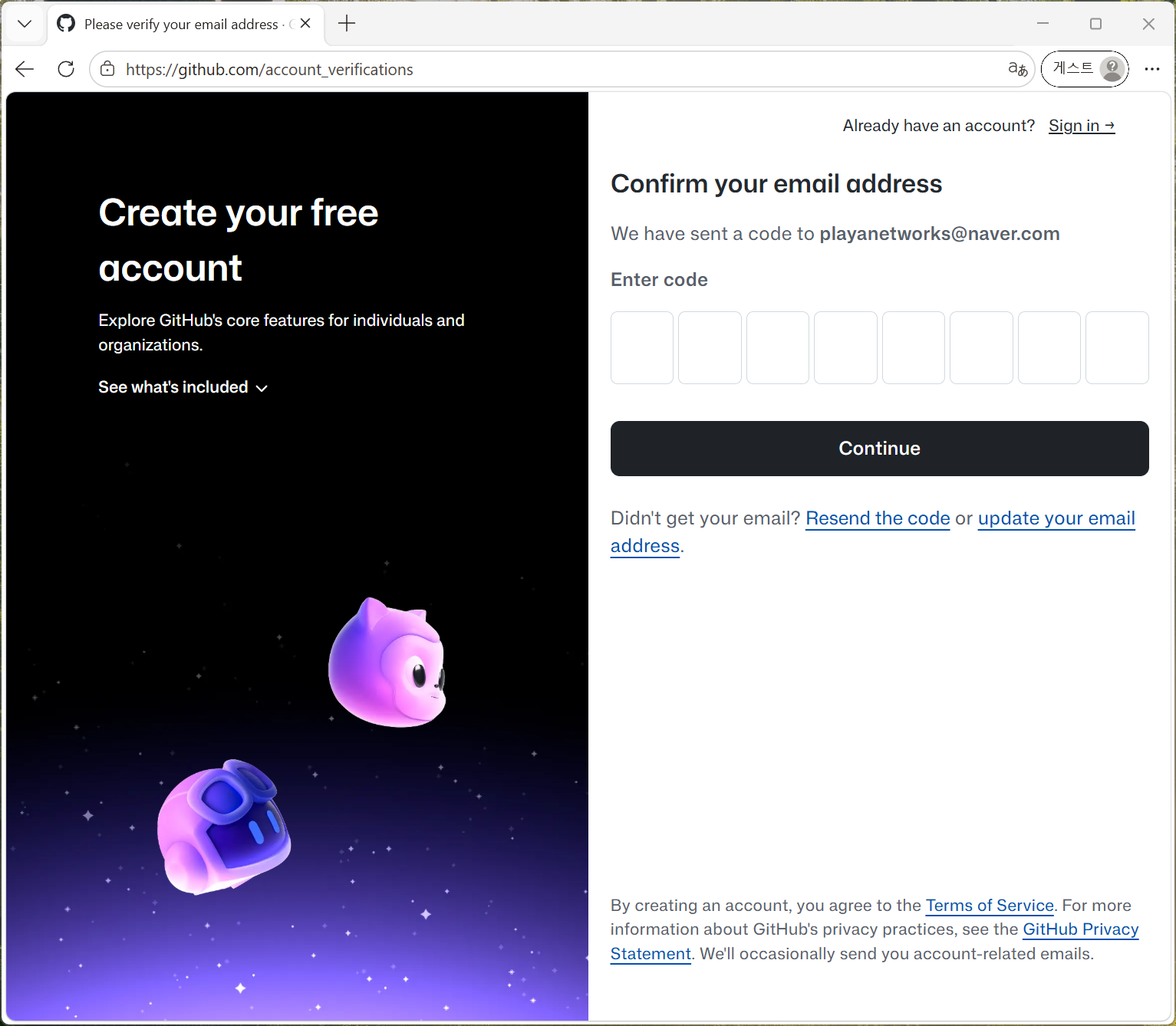
이메일 확인 번호 입력
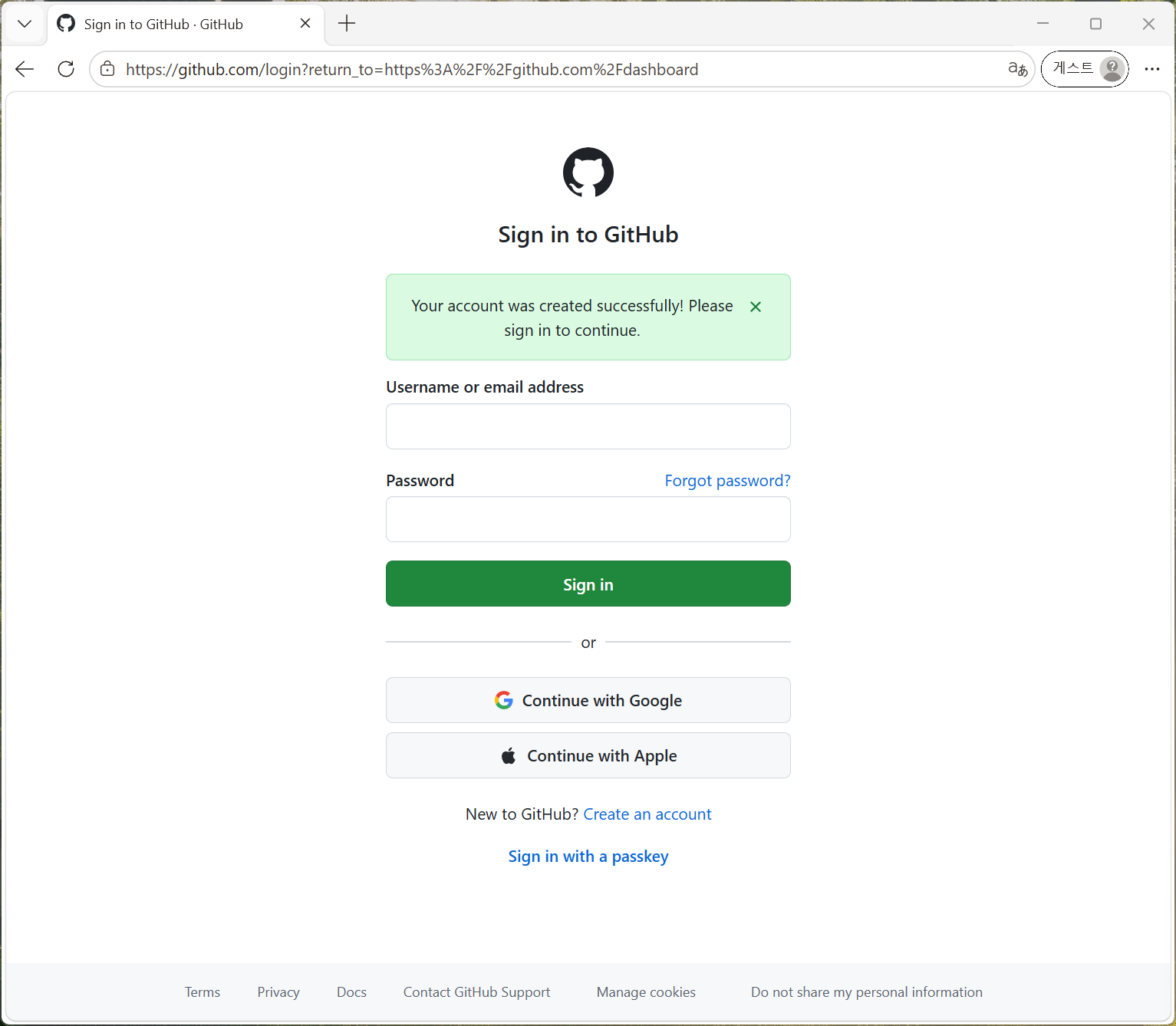
가입한 이메일로 GitHub 로그인
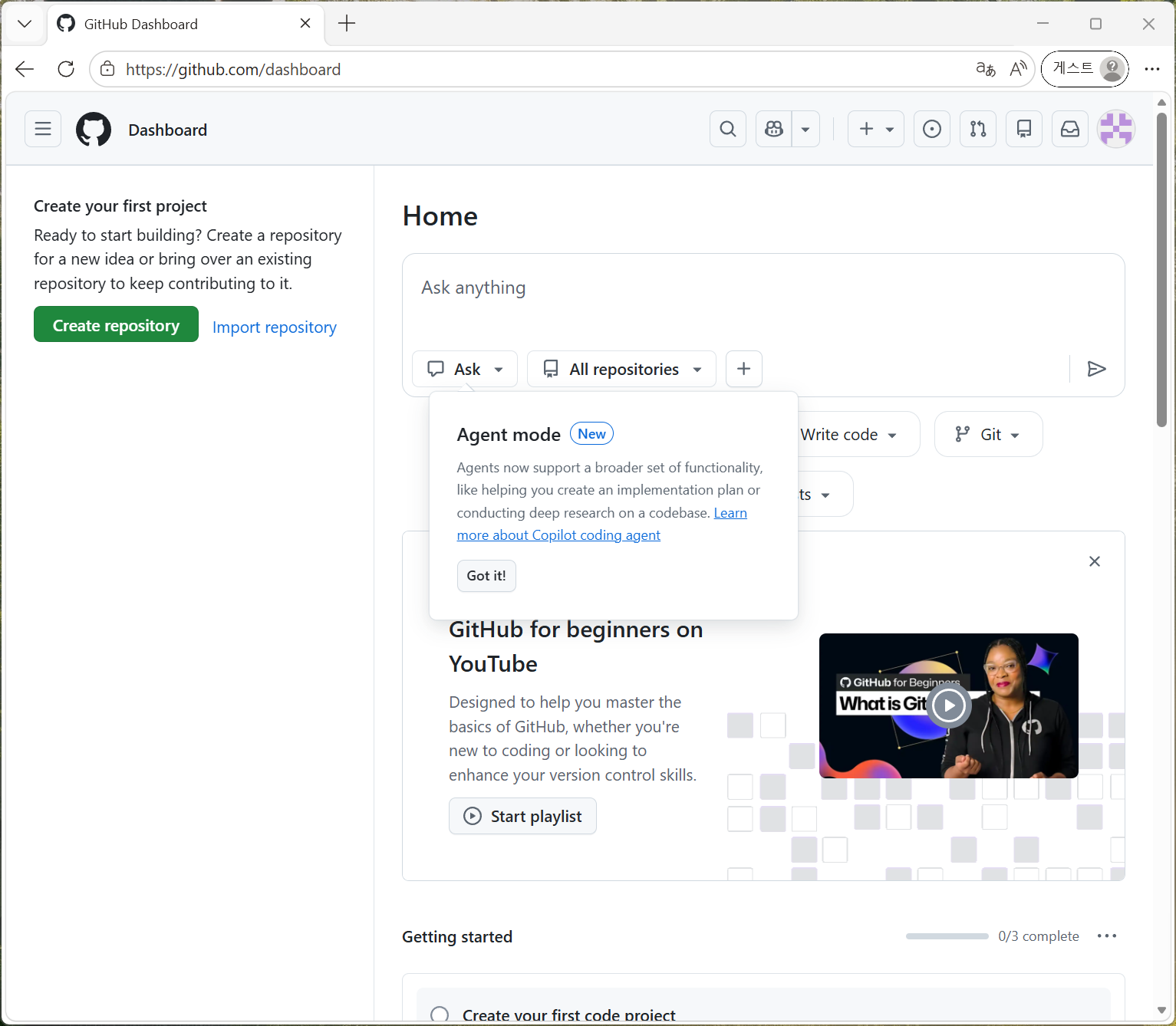
로그인 성공한 뒤 나오는 GitHub 대시보드 화면에서 "Create repository" 버튼을 눌러 코드 저장소 생성
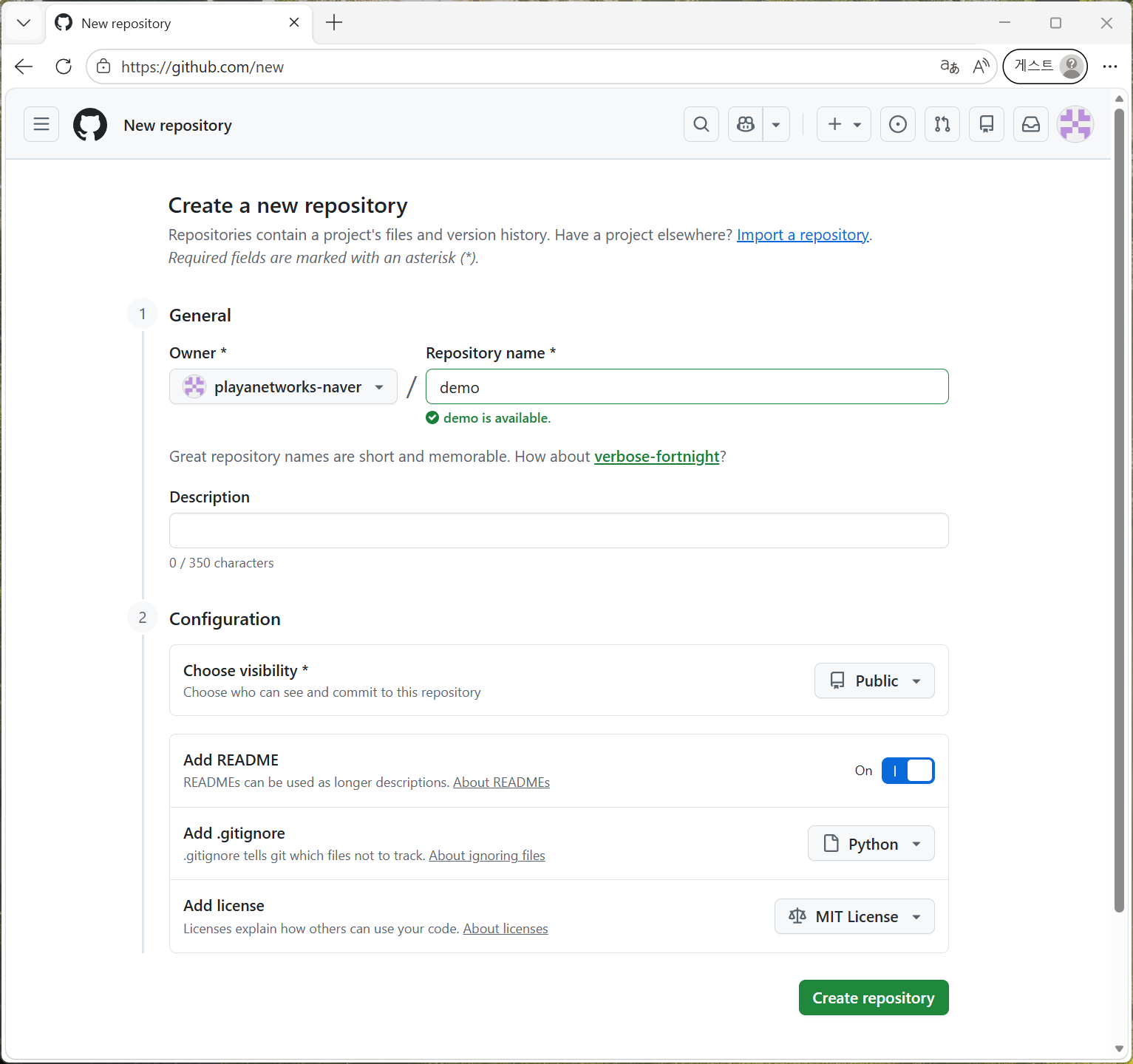
Create a new repository 화면에서
Repository name: demo 입력
Choose visibility: Public 선택
Add README: ON 선택
Add .gitignore: Python 선택
Add license: MIT License 선택
"Create repository" 버튼을 눌러 확정
생성된 Repository 화면으로 자동 이동
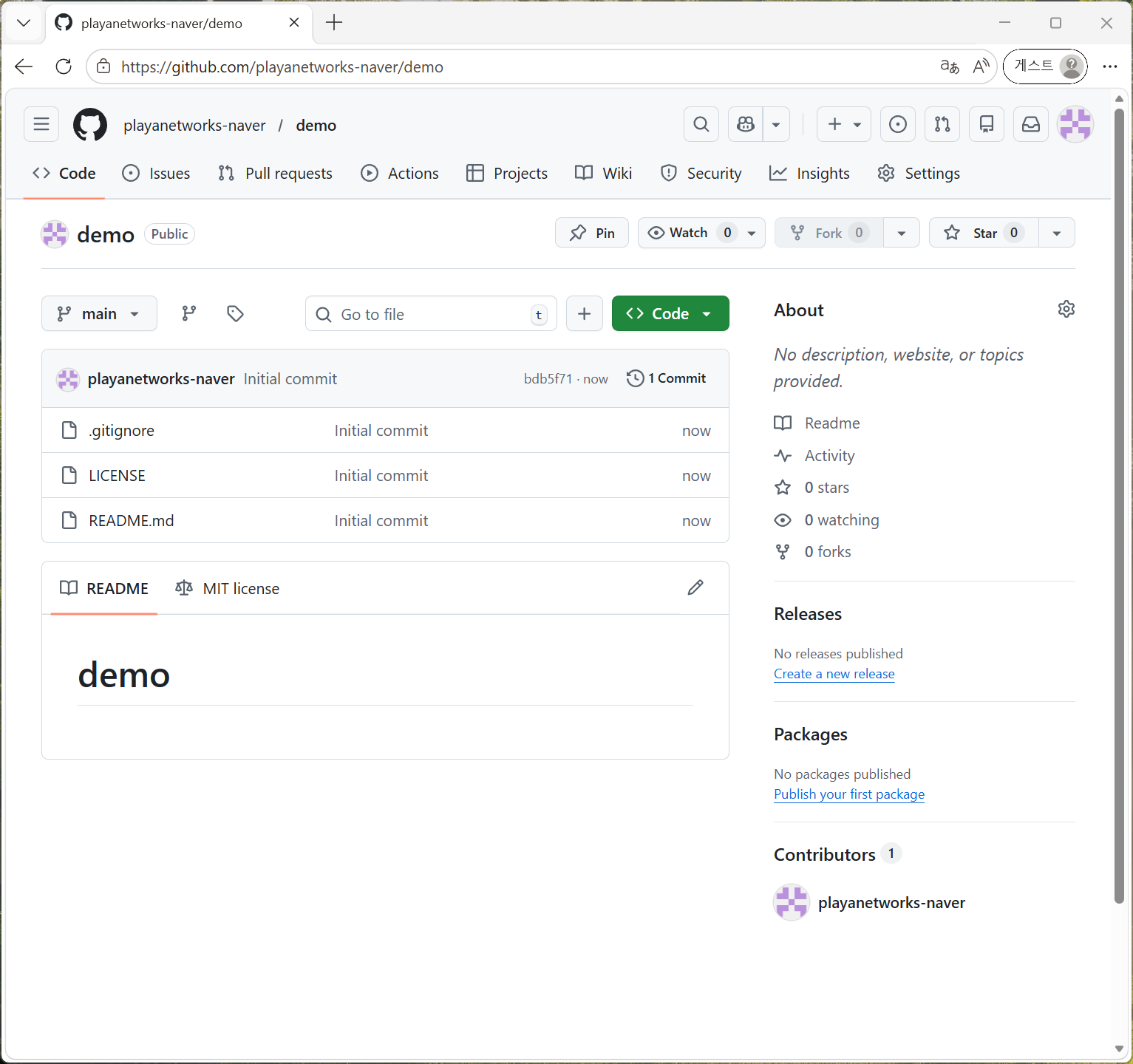
"<> Code" 버튼 옆에 있는 "+" 를 눌러 파일(코드) 추가 가능 → "+ Create new file"
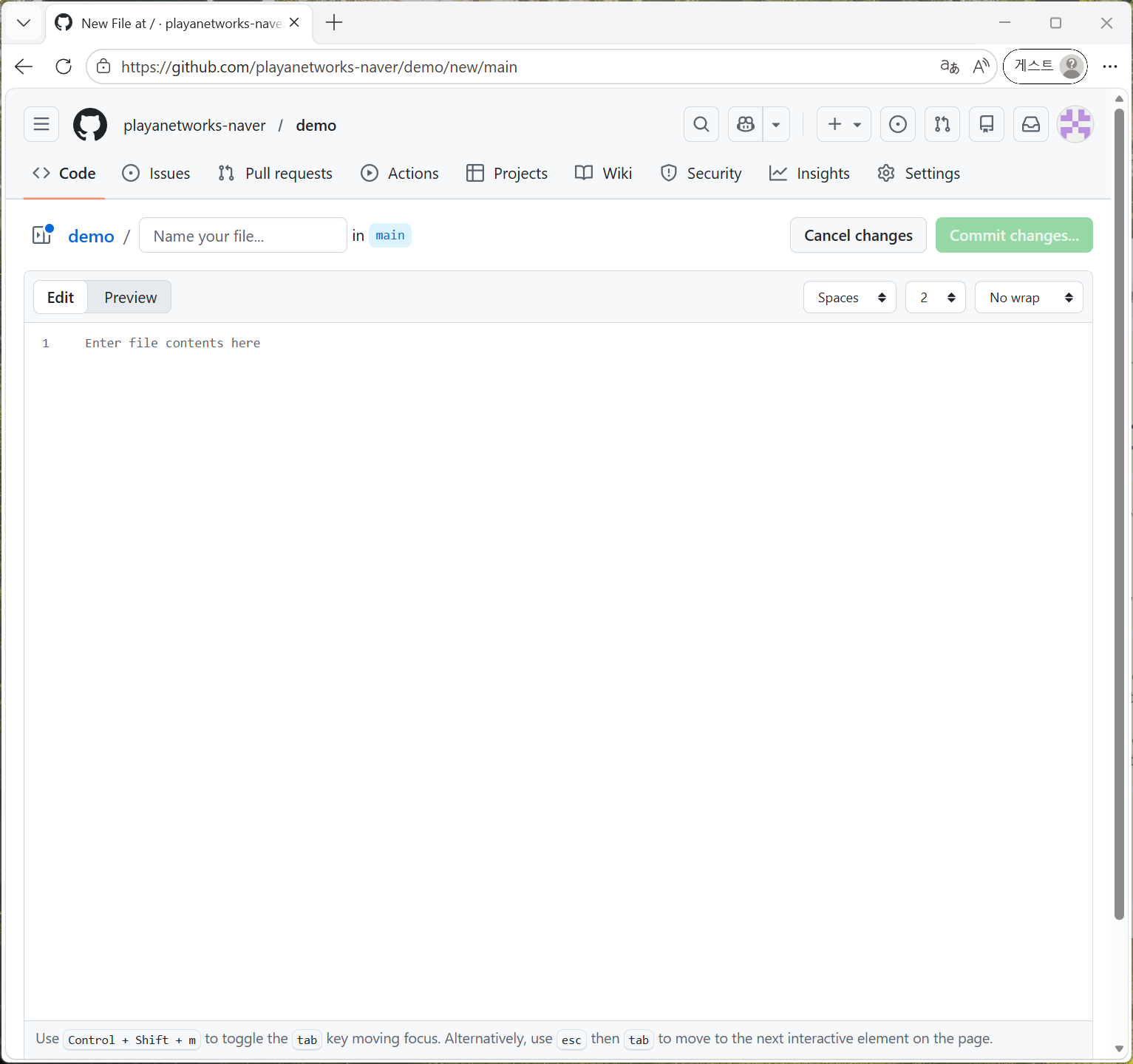
파일명과 파일 내용 작성
Name your file ... : main.py
Enter file content here:
print("Hello, World!")
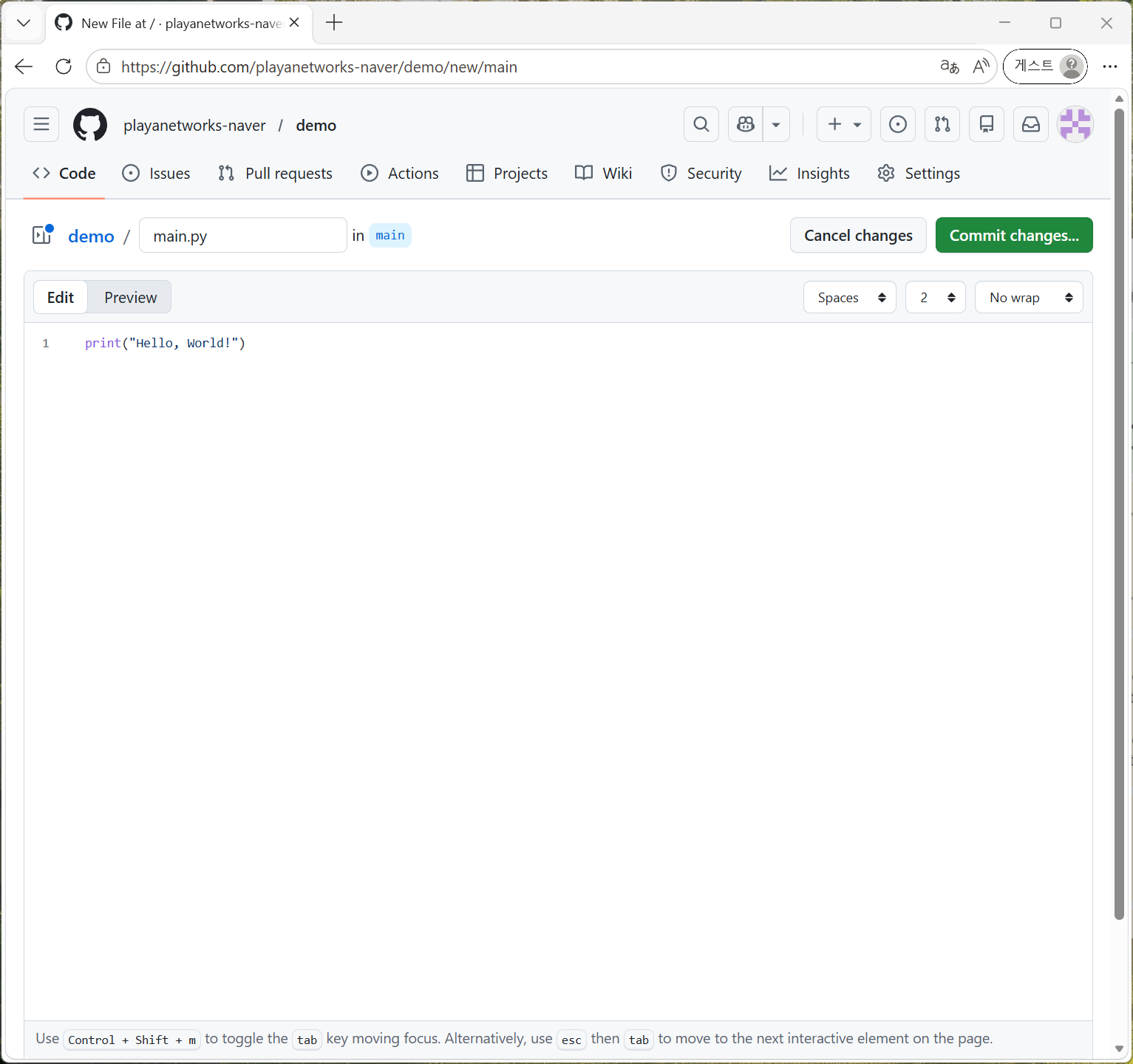
"Commit changes" 버튼 클릭
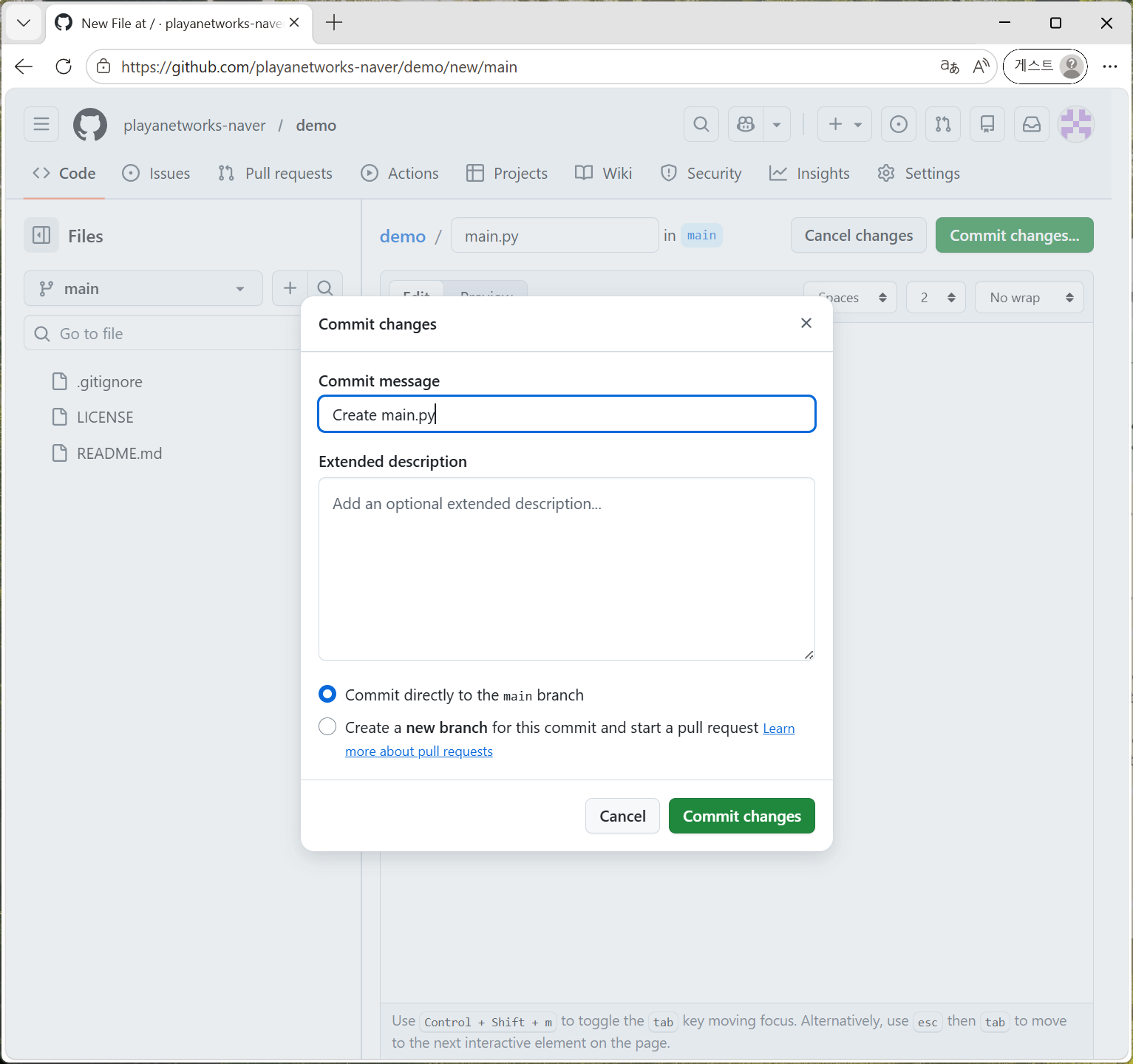
대화창의 "Commit changes" 버튼 클릭하면 저장소 화면으로 자동 이동
main.py 파일이 저장소(repository) 에 생성됨